
Add Outline to Image
Need a fast way to add outline to image without opening Photoshop or tracing edges by hand? This page is built for that exact job. Our online outline image tool helps you place a clean border around the main subject so portraits, product photos, pet pictures, and sticker-style graphics stand out instantly. Whether you are polishing a marketplace listing, making a thumbnail pop, or turning a simple cutout into an outline image for social media, the result looks neat, deliberate, and easy to read. If you have searched for an image outliner, an image outline generator, or a simple way to outline a photo online, you are in the right place.
Add Outline to Image Tool - Online Outline Image Maker and Image Outliner
Pick any color with the color wheel or type a hex value.
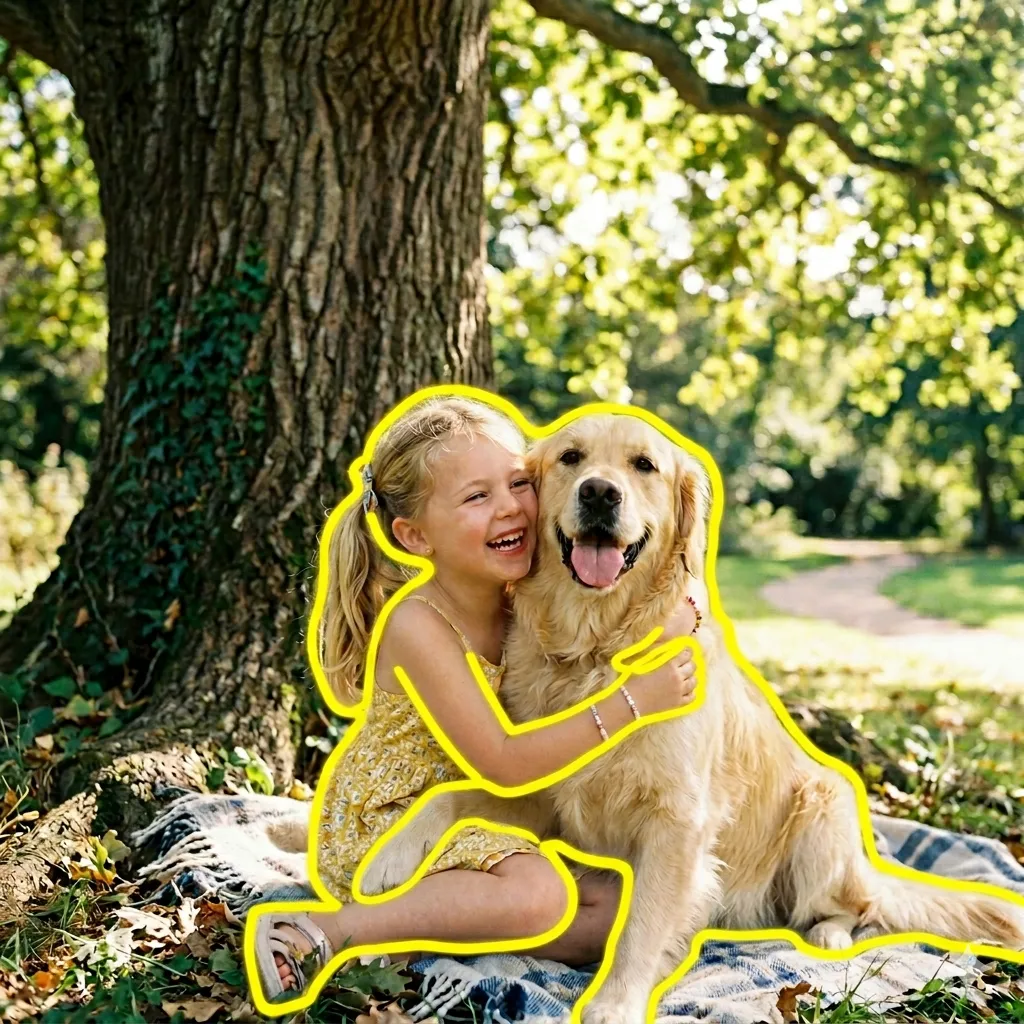
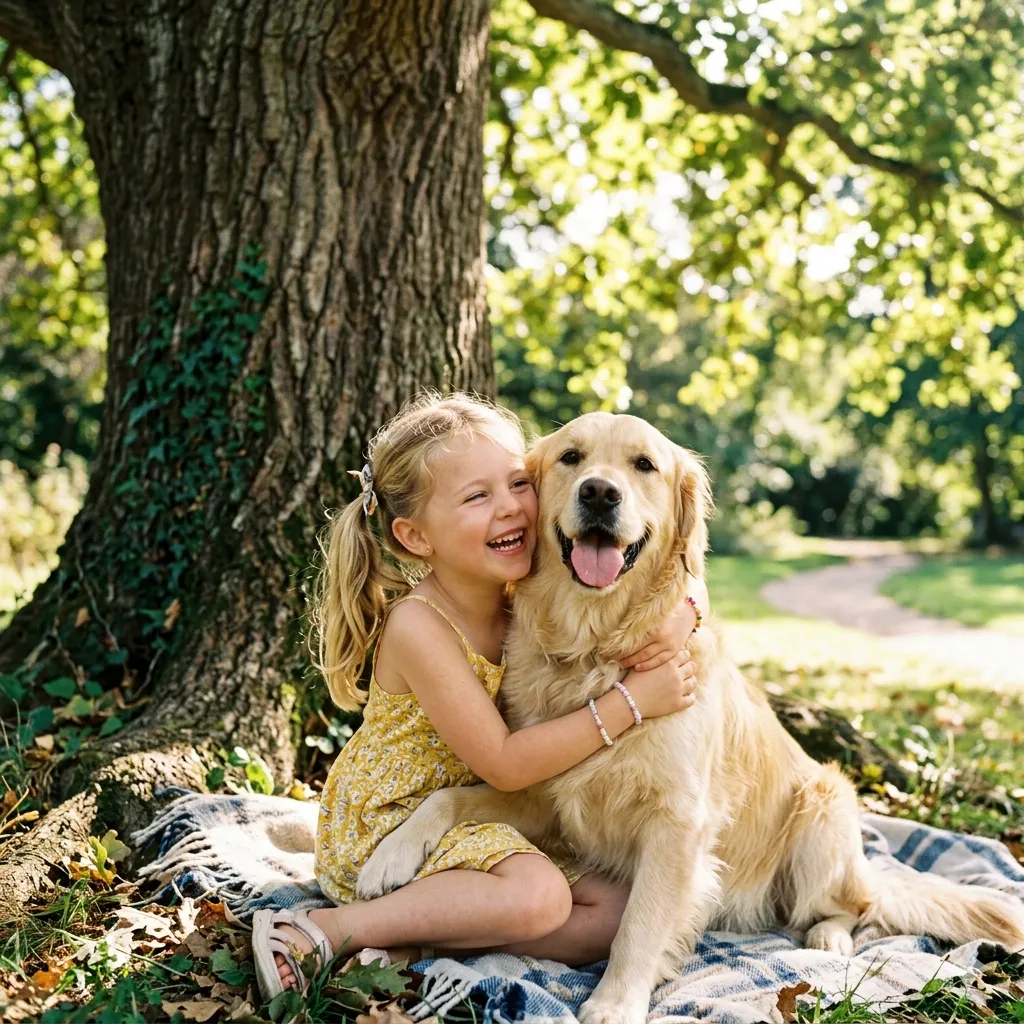
Upload your image to replace the demo preview.
What Does It Mean to Add Outline to Image?
Subject-first editing
Clearer visual hierarchy
Why People Search for Add Outline to Image
Stand out on crowded layouts
Faster than manual tracing
How to Add Outline to Image in 3 Simple Steps
Upload a Clear Photo
Pick an Outline Color
Download the Finished Image
Features of Our Image Outliner
One-click image outliner
Clean subject edge detection
Strong color contrast options
Works for portraits, products, and pets
Fast processing
Download-ready output
Popular Ways People Use Add Outline to Image
Profile and creator photos
Product listings and shop graphics
Cat outline images
Flower outline images
Tree outline images
Sticker-style cutouts and printables
Trusted for Fast, Clean Outline Images
People use this page for work, content, hobbies, and quick visual cleanup every day.
90K+ Images Outlined
Images Outlined
42K+ Happy Users
Happy Users
4.8/5 Average Rating
Average Rating
What Users Say About Our Outline Image Tool
Real feedback from people who use the tool for selling, posting, and making creative assets look clearer.
I use this page whenever I need a cleaner outlined product for promo tiles and listing cards. The border makes small items easier to read on colorful sale banners, and it saves me from opening a full editor for every new listing.
Maya Lopez, E-commerce Seller
Maya Lopez
E-commerce Seller
For thumbnails and creator portraits, the image outliner is genuinely useful. I can outline a subject in a few seconds and get a stronger cutout effect without making the photo look fake or over-processed.
Jordan Reed, Social Media Manager
Jordan Reed
Social Media Manager
I make pet stickers and printable cards, so I need clean outline images all the time. This tool works especially well for cat photos and flower cutouts, and the finished edge is much nicer than the rough outlines I used to do by hand.
Emily Park, Pet Crafter
Emily Park
Pet Crafter
Frequently Asked Questions
Common questions about using our image outliner and getting the cleanest result.
You can also combine this tool with Image to Sketch or AI Image Upscaler if your image still needs another quick improvement.
Ready to Add Outline to Image in Seconds?
Upload your photo, choose a border color, and turn an ordinary picture into a cleaner, sharper outline image. Whether you are polishing a product card, a portrait, or a playful cutout, this is one of the fastest ways to get the effect without overcomplicating the edit.